Zoom vs a Purpose-Built Classroom for IB Tutoring: Why the Tool Matters
Zoom, Google Meet and Lessonspace compared for IB tutoring: whiteboards, maths tools, past papers, recordings and continuity, and what to ask any tutor before the first lesson.
Most online tutoring happens on whatever video app the tutor already had. Zoom and Google Meet are excellent at what they were built for, which is meetings. An IB lesson is not a meeting. It is an hour of two people writing, sketching, marking and correcting in the same space, and the tool either supports that or gets in the way. This post compares the three options families are most likely to meet, then gives you the questions to ask before the first lesson.
Key Takeaways
- Meeting apps share a screen; a classroom shares a board. For maths, sciences and essay marking, that difference decides whether the student writes or watches.
- A purpose-built classroom keeps one persistent room per student, so every board and annotated past paper is still there next week.
- Recordings differ too: a meeting recording is a video of faces, a classroom recording replays the board and can produce a transcript and a summary for revision.
- The tutor matters more than the tool. But the same tutor teaches better in a room built for teaching, which is why Lessonspace is where ++tutors runs its lessons.
What an IB lesson actually needs
Strip a good lesson down and four things happen repeatedly: the tutor explains with a diagram or a worked example; the student attempts a question while the tutor watches; a past paper or draft is marked up together; and something is saved for later. Judge any tool on those four, not on video quality or a feature list.
Zoom and Google Meet: built for meetings
Both are reliable, familiar and free or cheap for the tutor. Screen sharing is strong, which suits a tutor showing a slide or a marking scheme. The problems begin when the student needs to write.
- Whiteboards are an add-on. Both apps have a basic whiteboard, but it lives in a separate panel, has no maths or graphing tools, and is awkward for a student to write on while also seeing the tutor. In practice most tutors share their own screen and the student watches.
- Past papers are hard to mark together. A PDF has to be shared as a screen; the student cannot annotate it. Marking becomes "point at it and describe it".
- Nothing persists. Each call starts from a blank state. Whatever was drawn last week is gone unless someone saved and re-shared it.
- Recordings are recordings of the call. Useful for rewatching an explanation, but the student sees a video of a shared screen, not the board they can interact with.
None of this makes a Zoom lesson bad. A strong tutor on Zoom beats a weak tutor anywhere. It does mean the student spends more of the hour watching and less of it doing, which is the opposite of what IB exam preparation needs.
Lessonspace: built for lessons
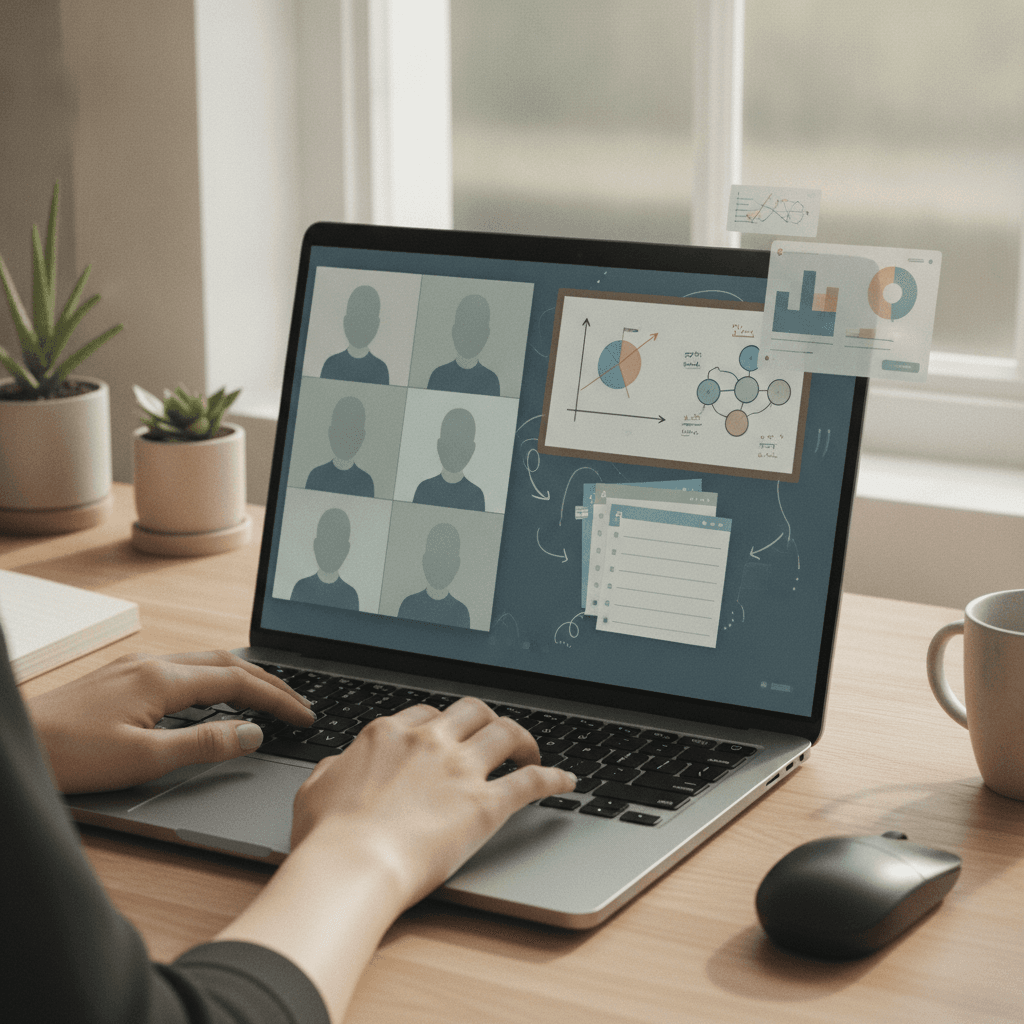
Lessonspace is an online classroom used by tutoring companies and schools, and it is where ++tutors teaches. The video call is there, but the centre of the screen is a shared workspace both people write in at once.
- A real board with maths tools. Free-hand writing, shapes, text, and a built-in graphing calculator and scientific calculator inside the room. A Maths AA student can sketch, check and annotate a function without leaving the lesson.
- Documents inside the room. A past paper or a draft essay is uploaded once and marked up page by page by both people. The annotated copy stays in the room.
- One room per student, kept all year. Every board and document from previous lessons is still there. Revision at the end of a topic means scrolling back, not reconstructing.
- Recordings that replay the board. The recording is a replay of the whole space in sync with the audio, so a student can return to the exact moment a method appeared and see it drawn again. Recorded lessons can also produce a transcript and a written summary, which becomes a revision log across the year.
- Nothing to install. The student opens a link in a browser. There is no account to make and no app to update, which removes the most common first-lesson delay.
Side by side
| What the lesson needs | Zoom / Google Meet | Lessonspace |
|---|---|---|
| Student writes while tutor watches | Awkward; usually tutor shares screen | Shared board, both write at once |
| Maths and graphing tools | Separate app or paper | Built into the room |
| Marking a past paper together | Screen share, tutor-only annotation | PDF in the room, both annotate |
| Continuity between lessons | Starts blank each time | Persistent room per student |
| Recording | Video of the call | Replay of the board, plus transcript and summary |
| Setup for the student | App, meeting ID, passcode | One link in a browser |
Questions to ask any online tutor
- "Will my child write on a shared board, or watch your screen?" If the answer is the second, ask how the student practises during the lesson.
- "How do you mark a past paper together?" Look for both people annotating the same document.
- "Is the lesson recorded, and what does the recording show?" A replay of the board is worth far more than a video of the call.
- "Is last week's work still there next week?" Continuity is where a year-long IB course is won.
- "What does my child need to install?" The right answer is nothing.
The tutor still comes first
A classroom does not teach. Subject knowledge, familiarity with the IB marking criteria and the patience to watch a student struggle through a question are what you are paying for, and our advice on how to find an IB tutor stands regardless of software. What the classroom decides is how much of each hour your student spends doing rather than watching. That is why we chose the tool we did, and why we would encourage any family to ask the five questions above before the first lesson. If you want to see the difference for yourself, book a free assessment and we will run it in the classroom we teach in every day.